Features / Client updates and portal
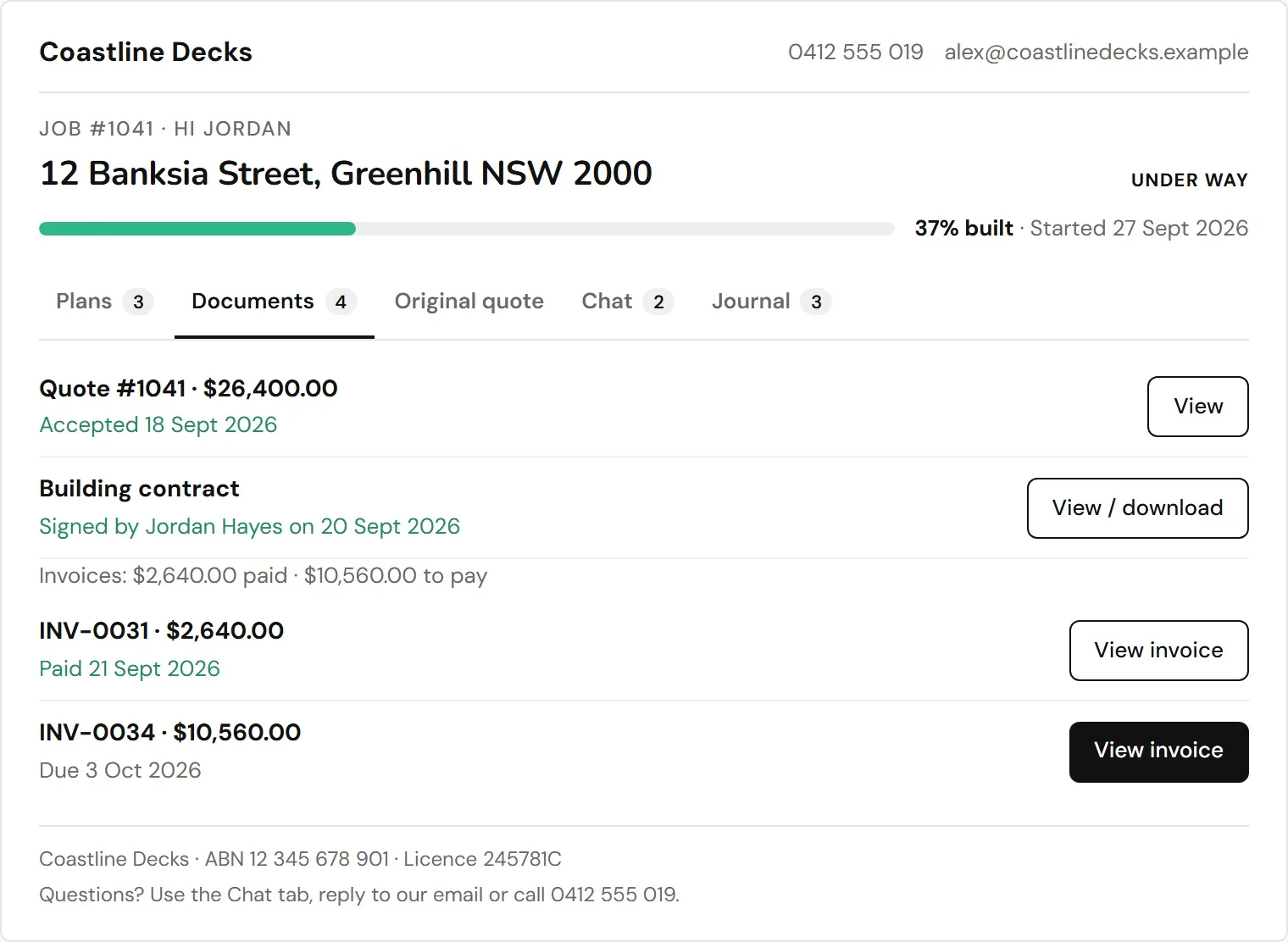
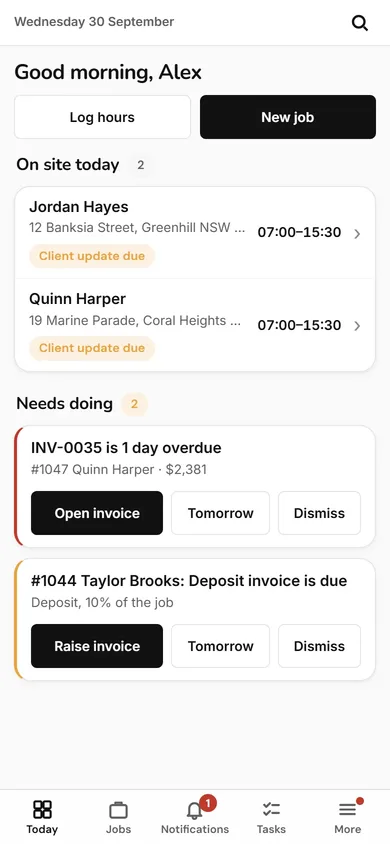
Each client gets their own page with the quote, contract, invoices and progress, and your crew send a short update at the end of every day.
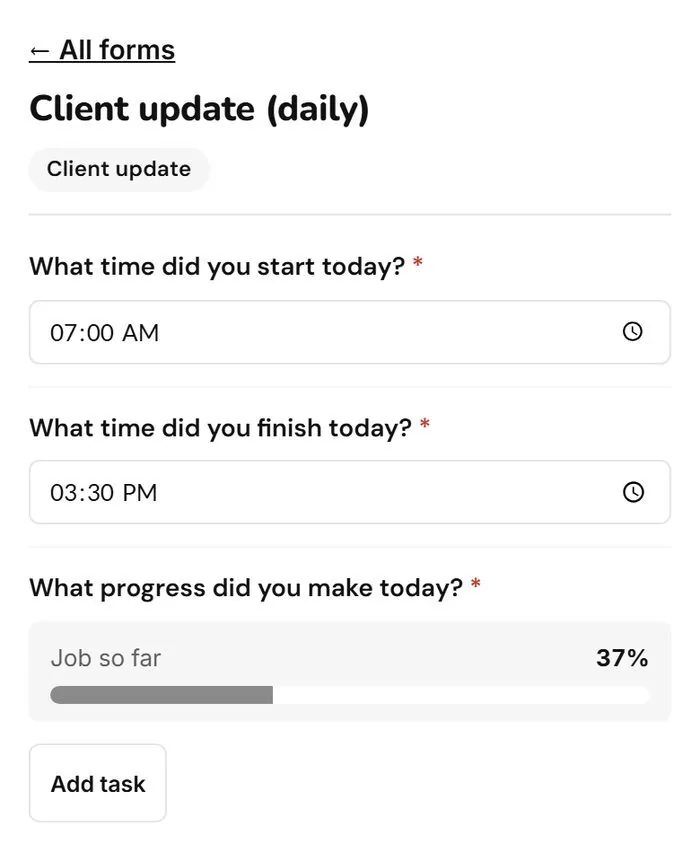
A built-in form for your workers, then a PDF with progress and photos goes to the client. Open the app and tap Client update.
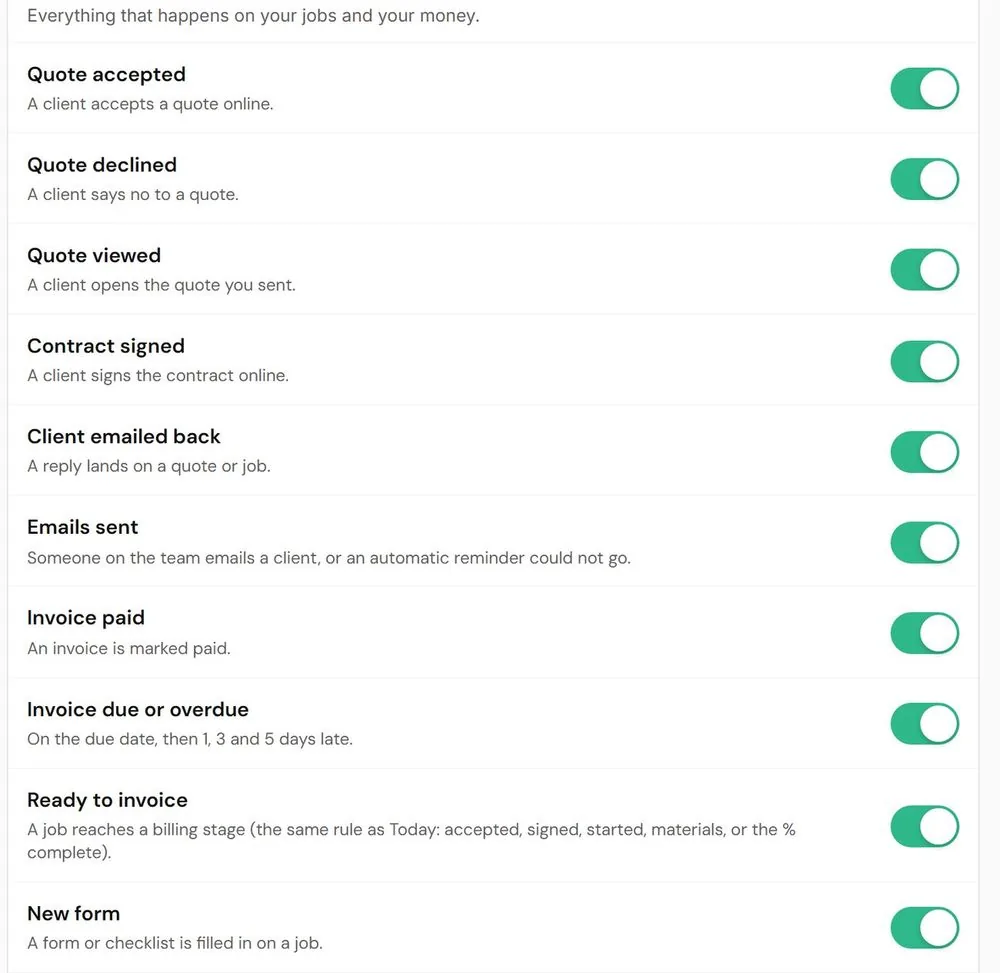
A quote accepted, a contract signed, an invoice paid, a job ready to invoice. Each one has its own switch.
Quote, contract, invoices, progress and updates in one place, so there are fewer how is it going phone calls.

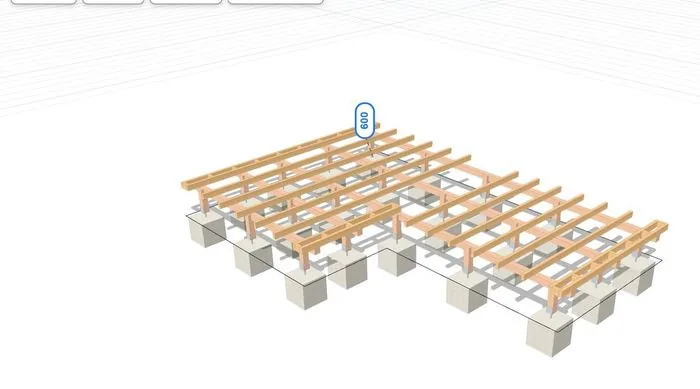
Draw or scan the deck. Framing, footings and every board counted.
See planner and materials
190 ready-made quote items. The drawing fills the quote in.
See quotes
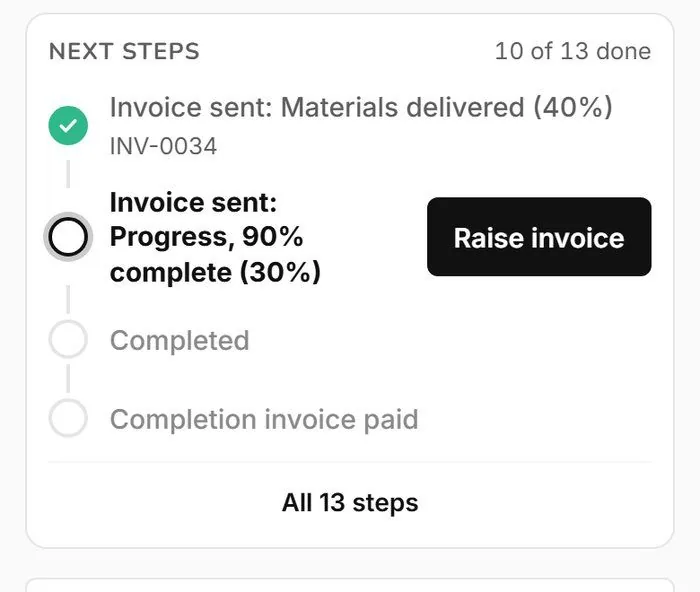
The contract writes itself. Each stage is an invoice.
See contracts and invoices
One page per job. Tasks and timesheets fill themselves in.
See jobs, crew and timesheetsThe Deck Hub is for deck builders only.