Features / Contracts and invoices
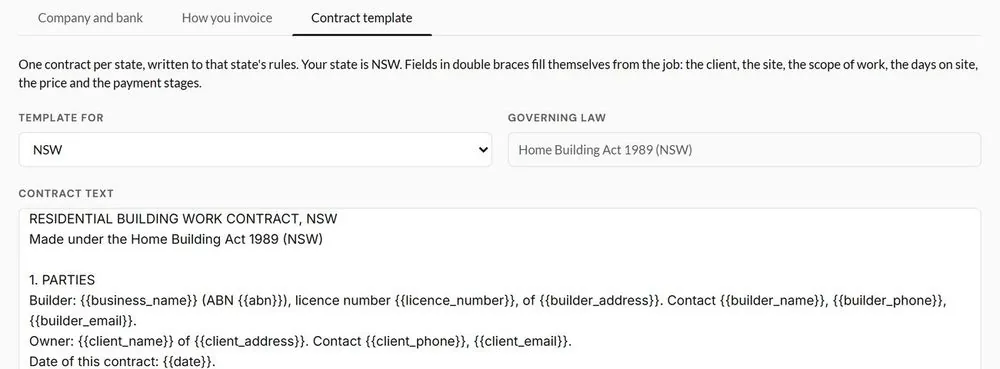
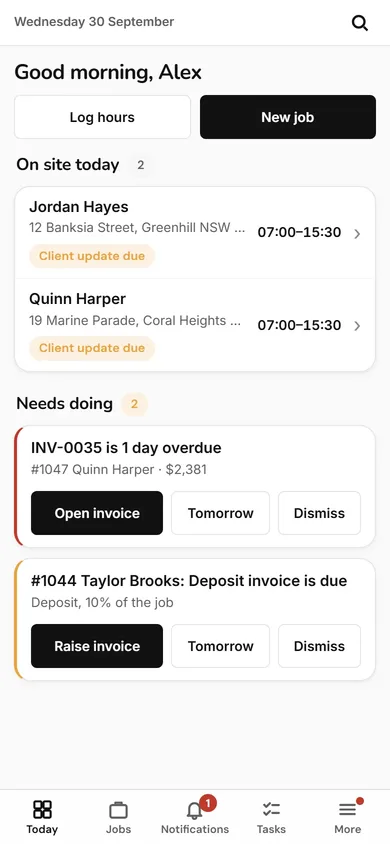
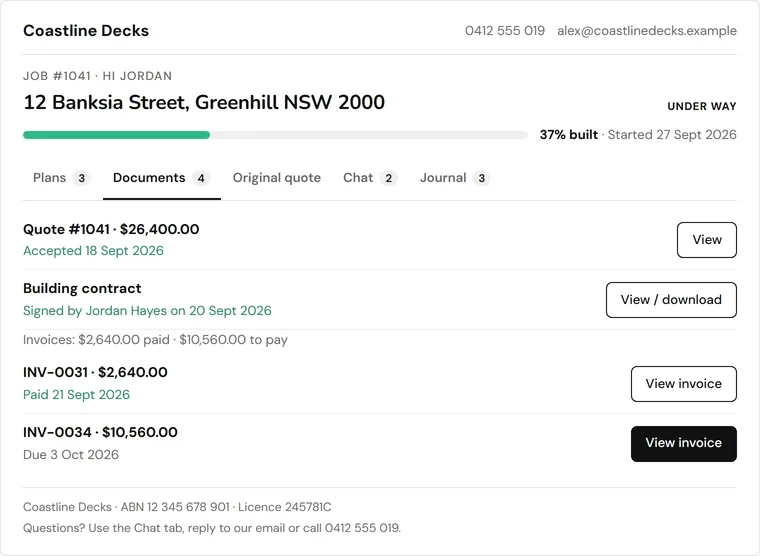
When the client accepts, the contract is filled in from the job for your state. Every stage of the job becomes an invoice, and the Hub tells you when the next one is due.
Filled in from the job for your state, editable in your own wording, signed by the client on their phone.
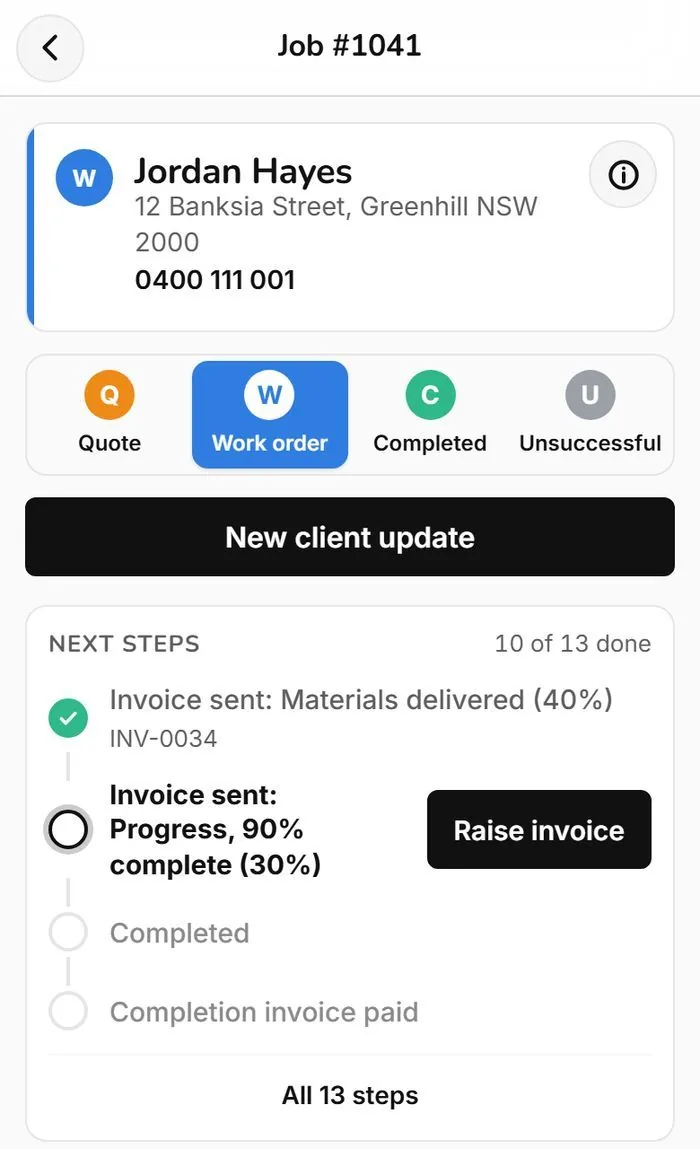
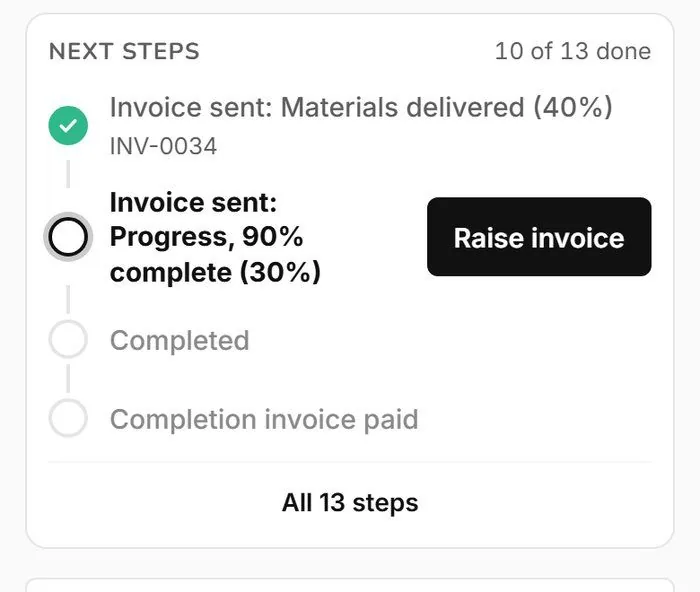
Built from your stages and linked to the tasks on the job.
You click Raise and send. Late invoices get follow-up emails, off until you switch them on.

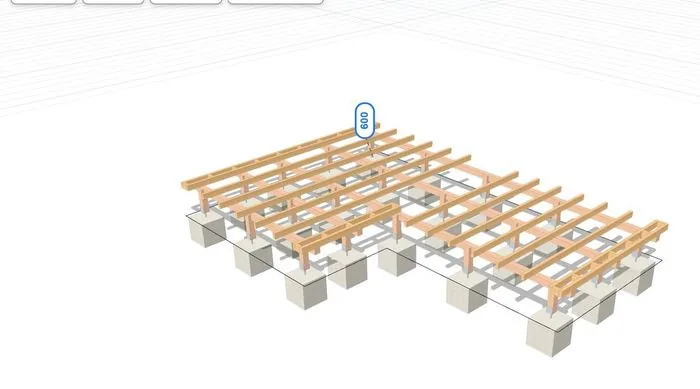
Draw or scan the deck. Framing, footings and every board counted.
See planner and materials
190 ready-made quote items. The drawing fills the quote in.
See quotes
One page per job. Tasks and timesheets fill themselves in.
See jobs, crew and timesheets
Your client gets their own page and a daily update.
See client updates and portalThe Deck Hub is for deck builders only.