Features / Jobs, crew and timesheets

Every job on one page.

From the first phone call to the last task: schedule the site visit, keep the photos on the job, build the task list from the quote, and let the calendar fill in the timesheets.

Create job

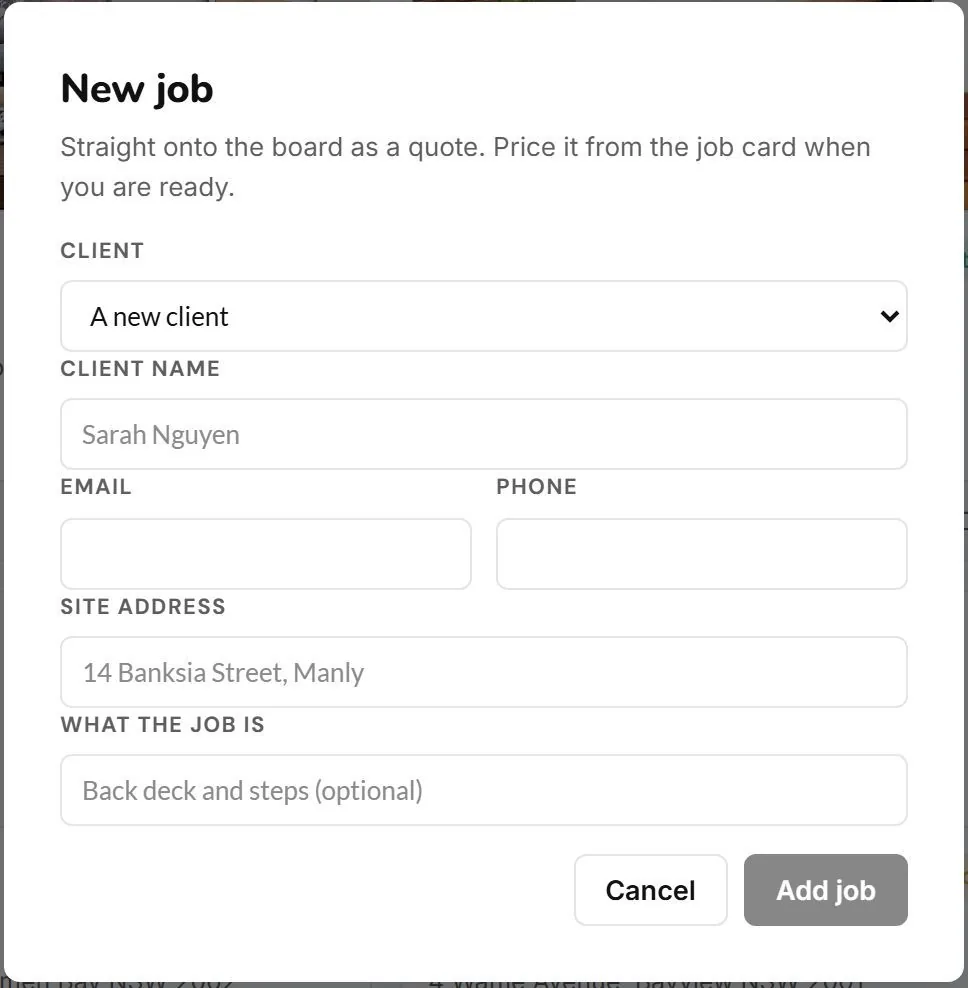
A job starts with a name and a phone number.

Client, address and what the job is. Everything after lives on that one job.

The New job form with client name, email, phone, site address and what the job isTap to enlarge
Schedule jobs

Put the site visit on the calendar, then schedule your crew for the job.

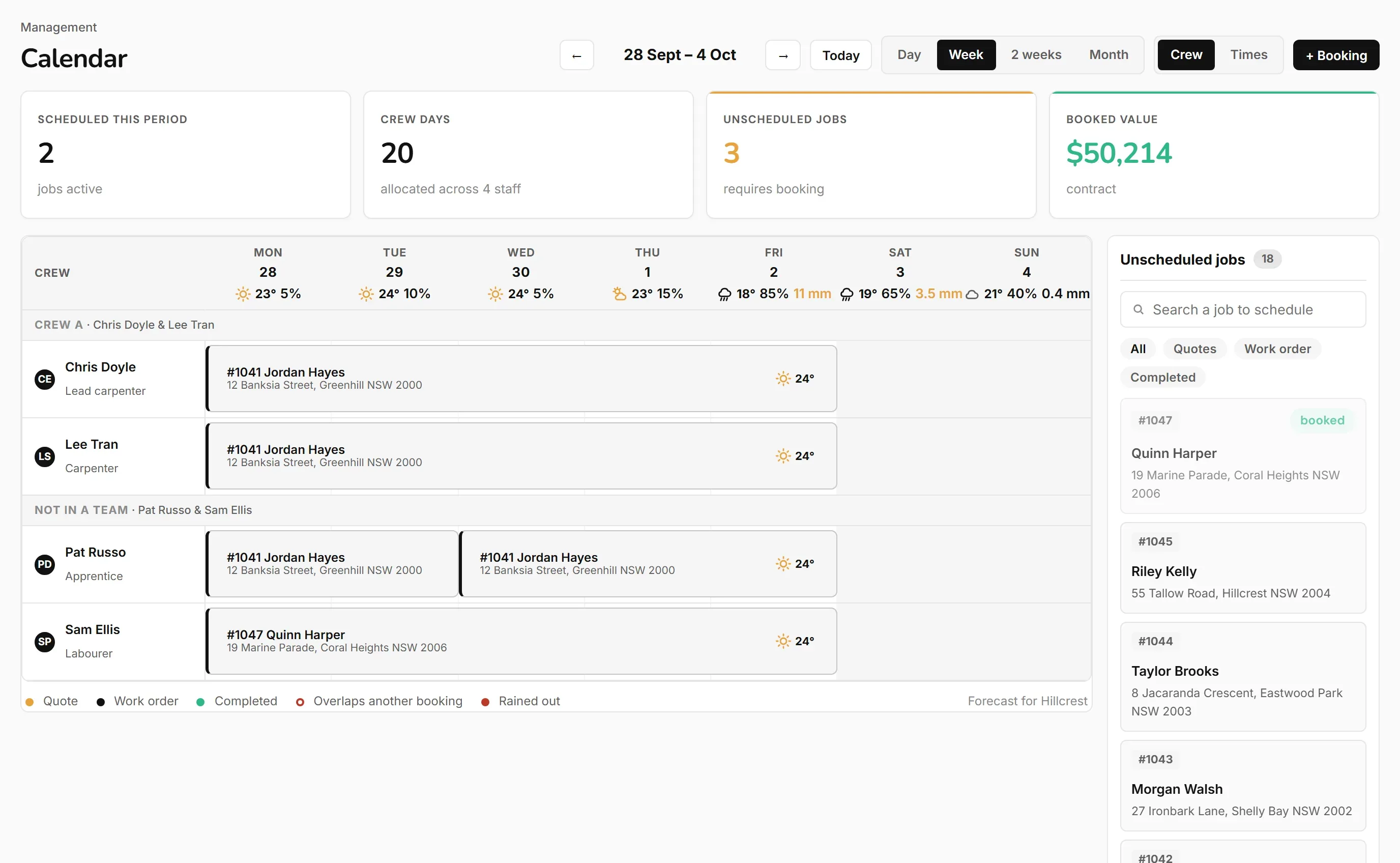
Put the site visit on your calendar. When the job is won, schedule your crew to execute it. Crew by day, a weather forecast on each scheduled day, and a warning if someone is scheduled twice.

The crew calendar for the week: each person on their job, the forecast with temperature and rain chance on every day, and the unscheduled jobs waiting to be bookedTap to enlarge
Register site visit photos

Take the photos at the first visit and they stay on the job.

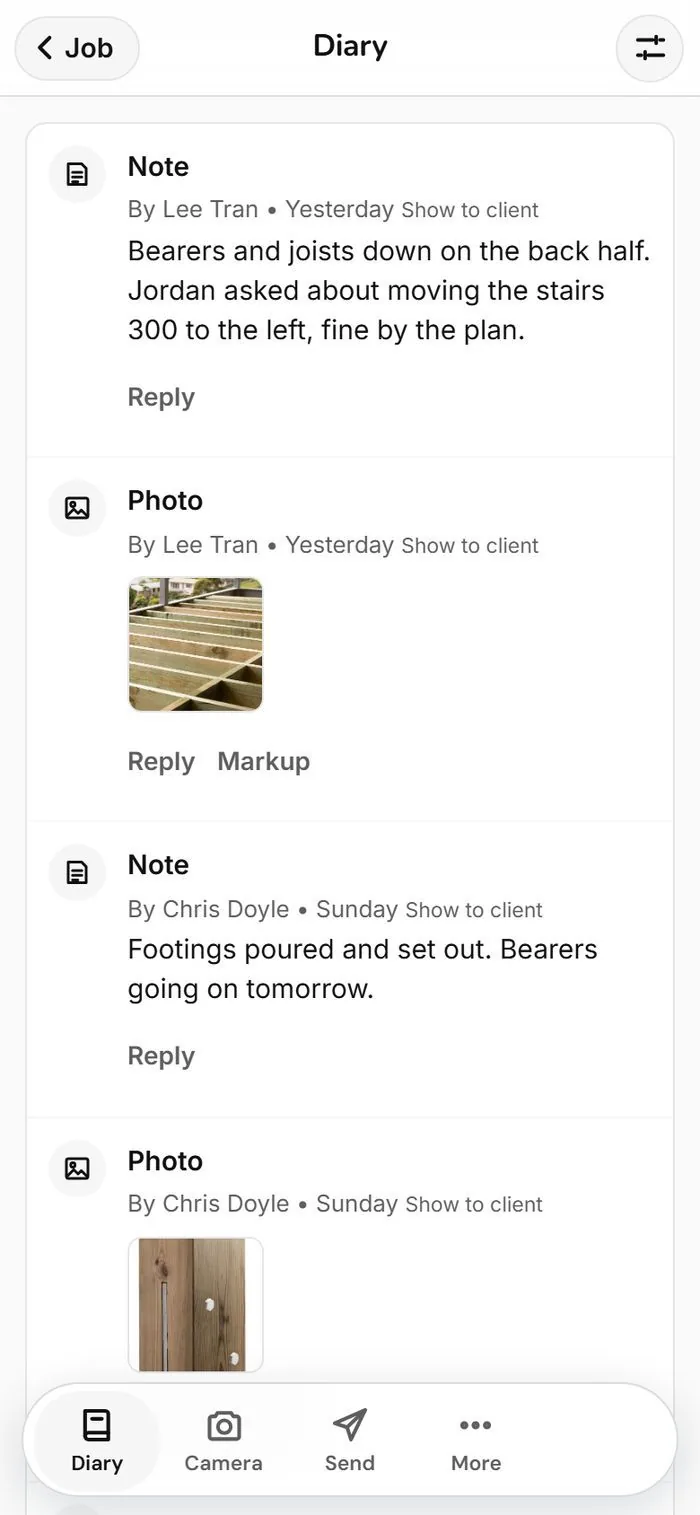
Photos, notes and files go in one job diary, and client email replies show there too.

The job diary on a phone with notes, site photos and the camera, send and more buttonsTap to enlarge
Project management

One page for the whole job.

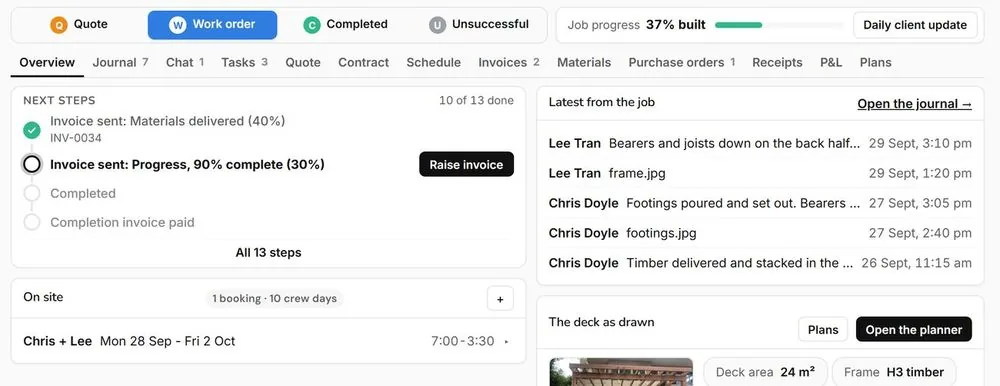
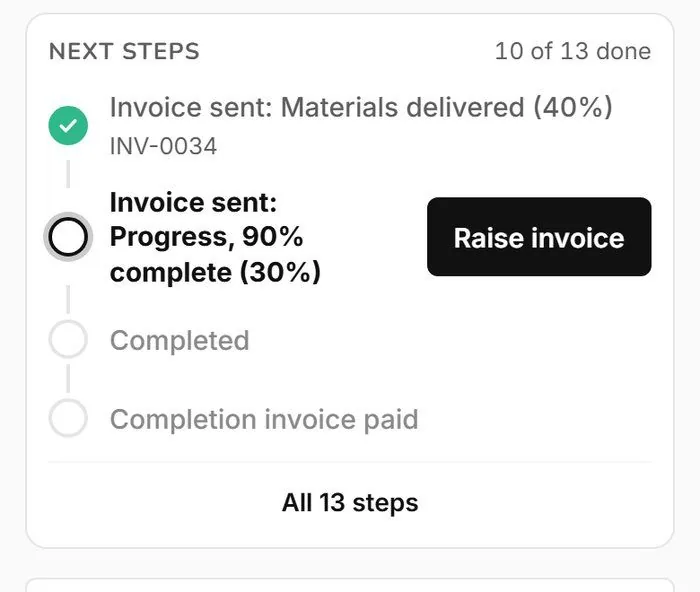
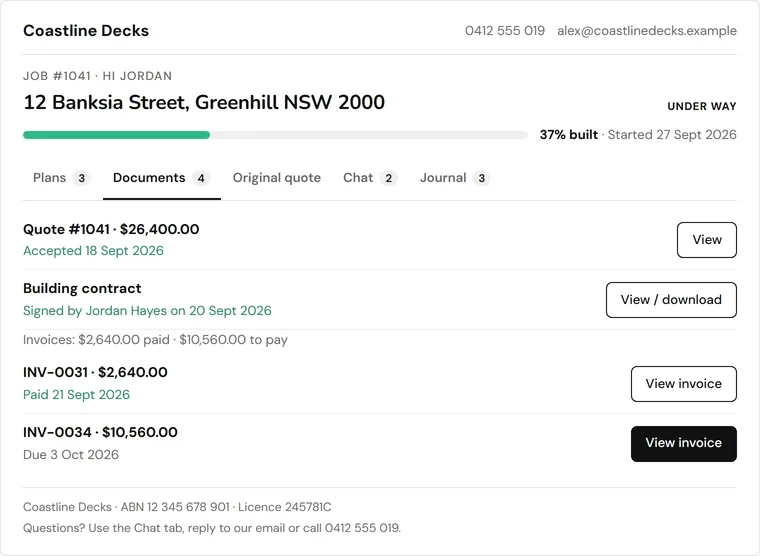
Next steps, diary, chat, tasks, quote, contract, schedule, invoices and the job profit and loss in one place.

The job overview with next steps, tabs for diary, chat, tasks, quote, contract, schedule, invoices and P&L, and job progressTap to enlarge
Tasks

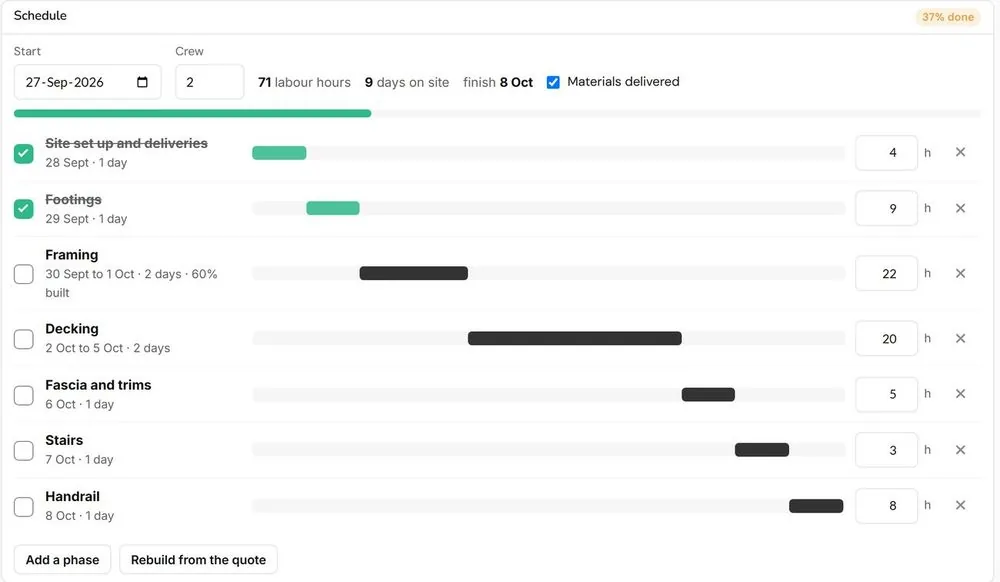
The task list builds itself from the quote.

Workers see their tasks and mark them done, and the progress tells you when the next invoice is due.

The task list built from the quote with days, hours and progress for each stageTap to enlarge
Timesheets

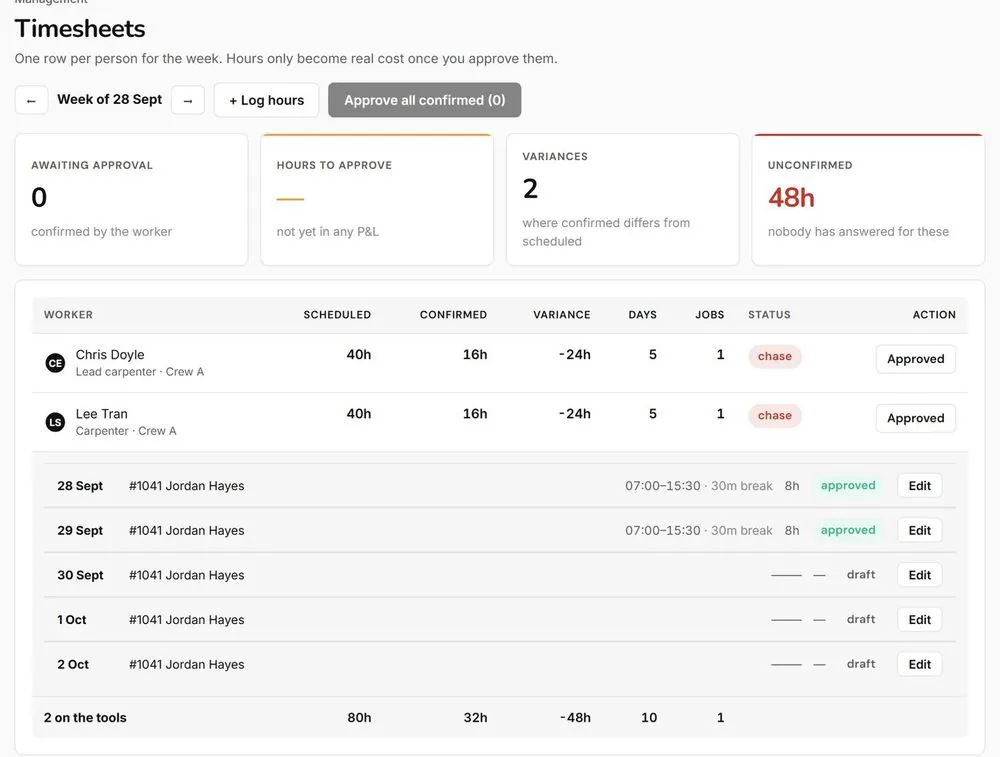
Schedule your workers and the timesheets fill themselves in.

The worker opens the timesheet and confirms what time they started and finished that day.

The weekly timesheets screen with hours to approve and each worker's confirmed daysTap to enlarge

Other features

All features

See what it costs, or start your trial.

The Deck Hub is for deck builders only.